Website and delivery610 ₽
Saved menu in guest channels
Dish availableEdit dishes, take orders and check your branches. Choose a task to see the tools and setup conditions.
Edit menus, take orders, launch promotions and check branch operations.
Edit dishes, prices and photos in one place. Your website, QR menu and Telegram use the saved menu.
Take orders from your website and Telegram. Guests choose delivery or pickup; your kitchen receives the order.
Set up promotions, promo codes and rewards. Guests see the conditions in the menu and at checkout.
Check orders, opening hours and dish availability. Manage one location or several branches.
Import a menu from photos or PDF. Prepare descriptions, translations and photos, then review before saving.
Change the price in the dashboard example and see where the data is used. This demonstration does not save or publish anything.
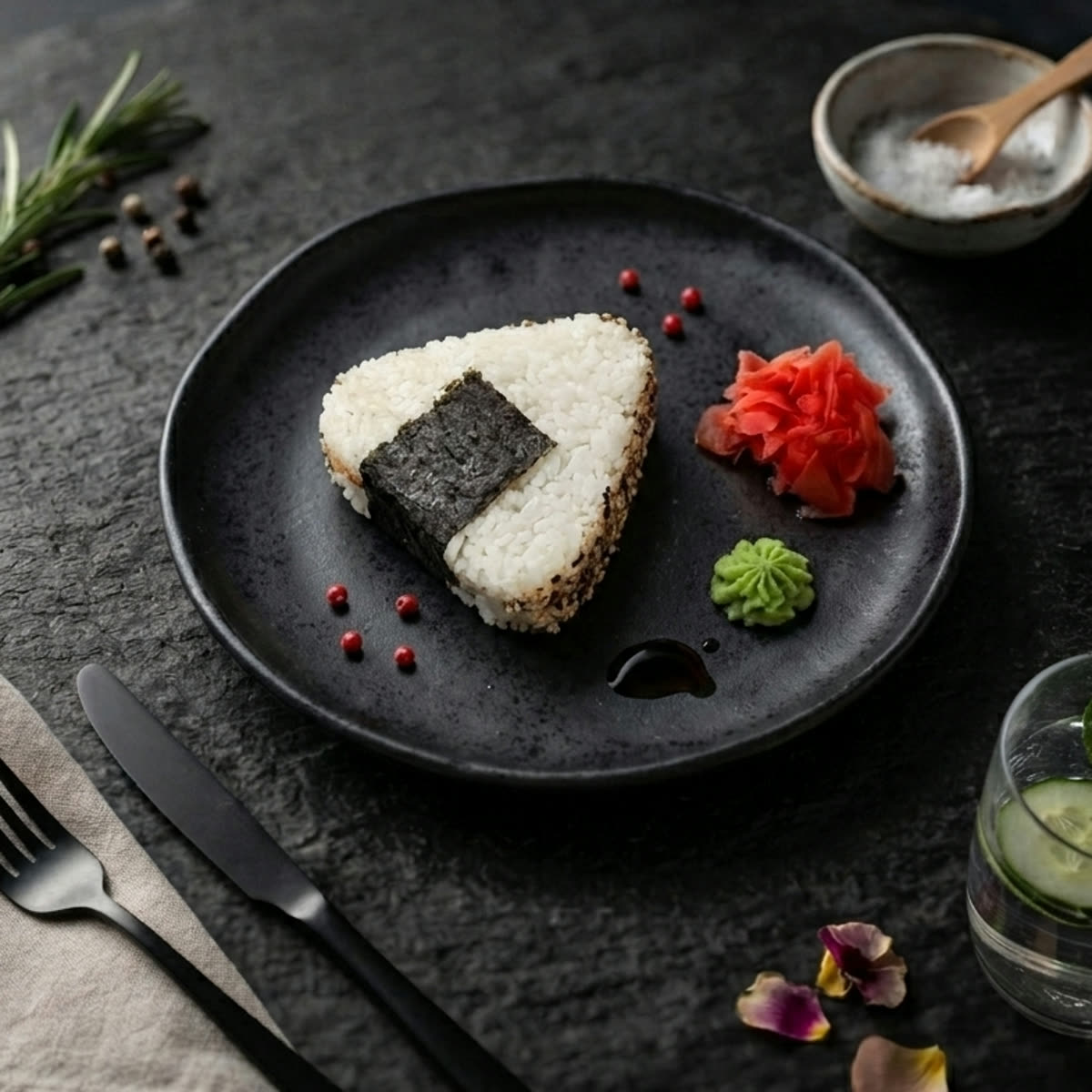
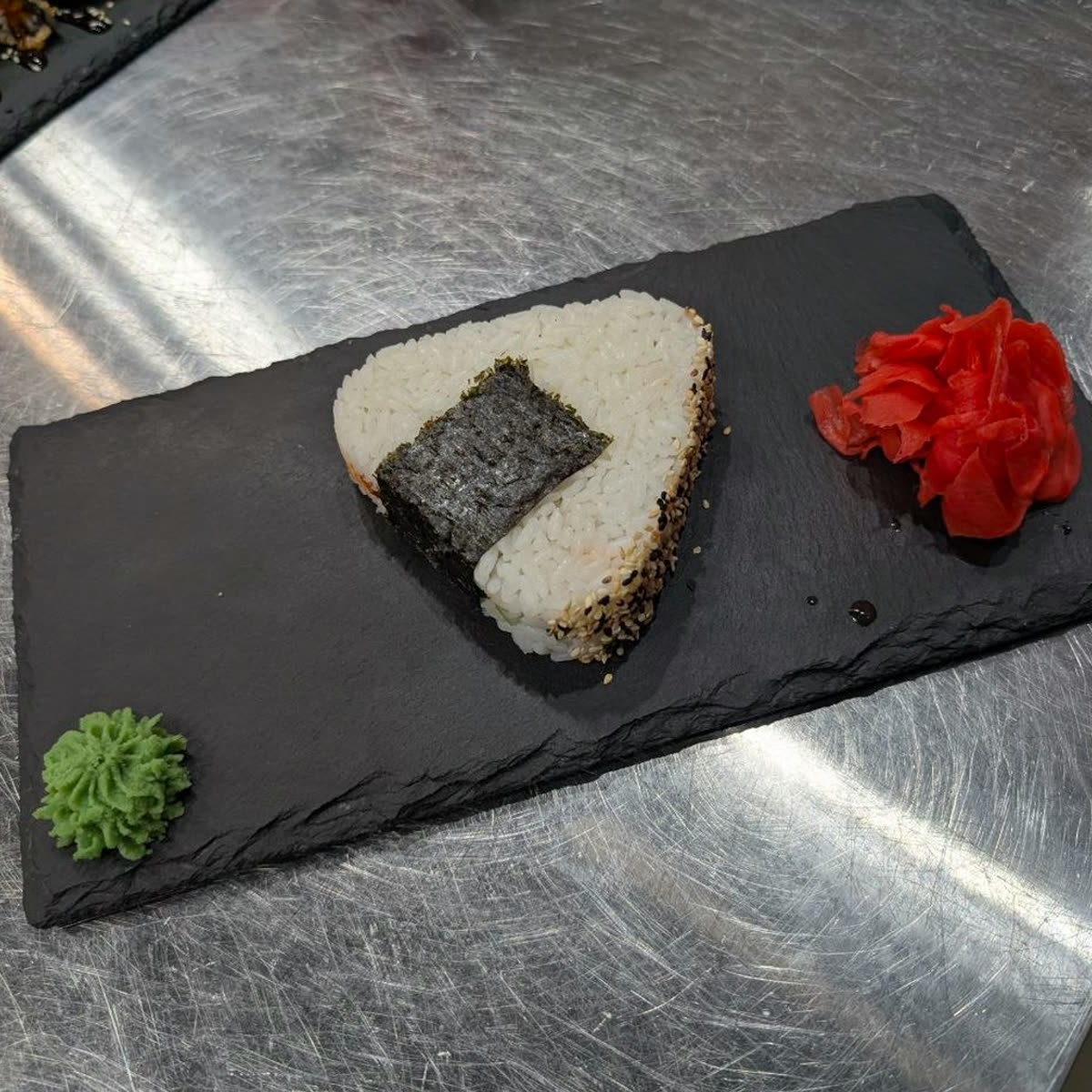
Rice, nori, filling
Saved menu in guest channels
Dish availableSaved menu in guest channels
Dish availableSaved menu in guest channels
Dish availableOffline copy · updated by syncing
Dish availableExporting does not publish to maps. The owner submits the file or feed link; the platform reviews and updates its listing.
Shared data: name, photo, description and ingredients, base price, variants and extras. Visible fields depend on the channel.
Dish prices in the current catalogue are shared across branches. A branch stop list can restrict availability. QR uses the branch in its link; tablet and exports use the global catalogue.
FREE includes a storefront and QR for viewing. Orders, Telegram Mini App and tablet mode require a subscription. Channels are enabled separately; variants and extras are used in orders, but do not enter map exports.
Refresh an open page to see changes. Tablets download menu updates online; submit map data separately.
Explore this task| Data | Website and delivery | QR menu | Telegram Mini App | Tablet | Maps: file or feed |
|---|---|---|---|---|---|
| Name and photo | Used | Used | Used | Used | Base data export |
| Description and ingredients | Used | Used | Used | Used | Base data export |
| Price | Used | Used | Used | Used | Base price |
| Variants and extras | When building an order | When building an order | When building an order | When building an order | — |
| Branch availability | Used | Branch in the QR link | Used | Global catalogue | Global catalogue |
01Website and QR menu
Your logo, cover, brand colours and dark mode. Make the website and QR menu feel like a natural part of your restaurant.
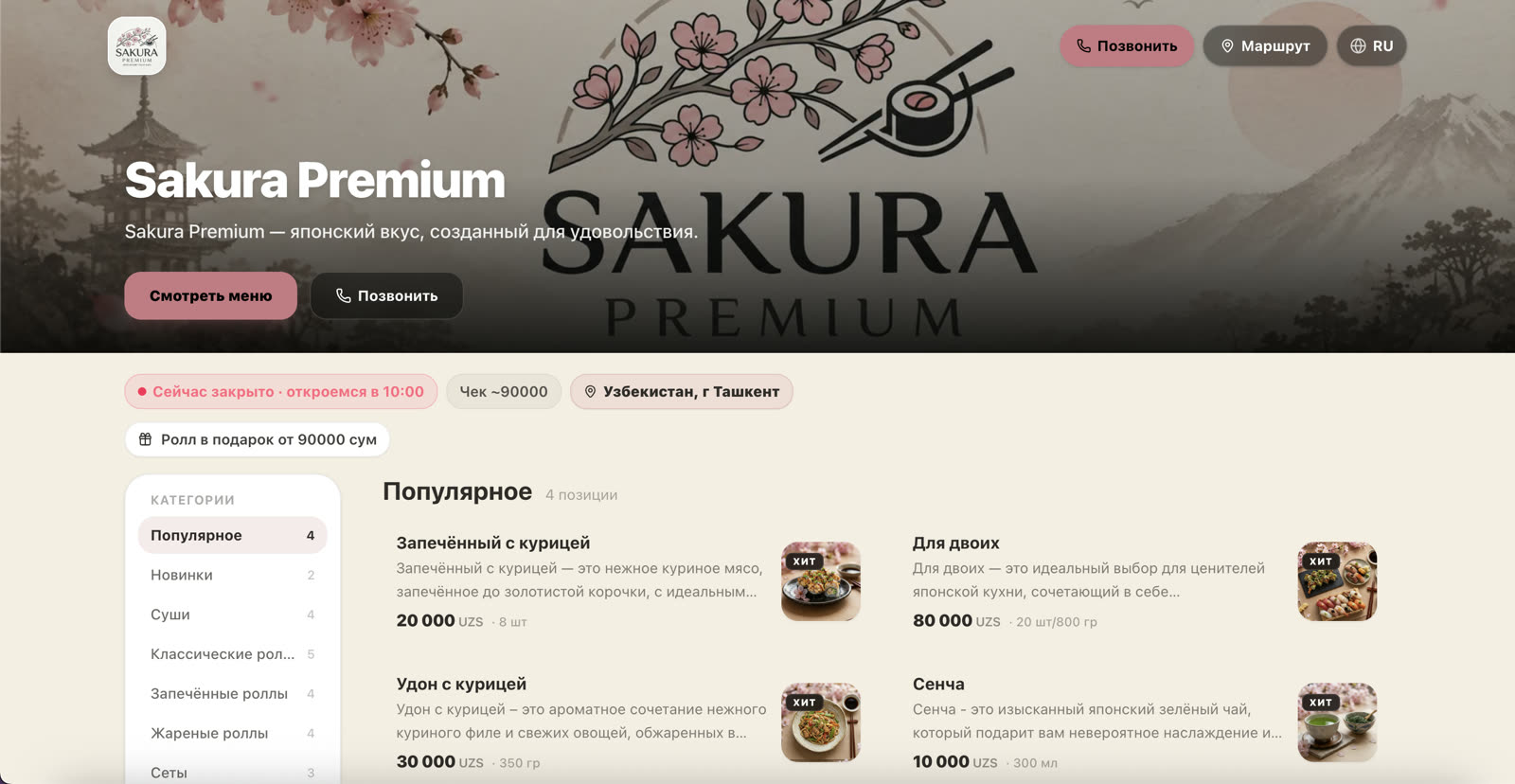
Storefront examples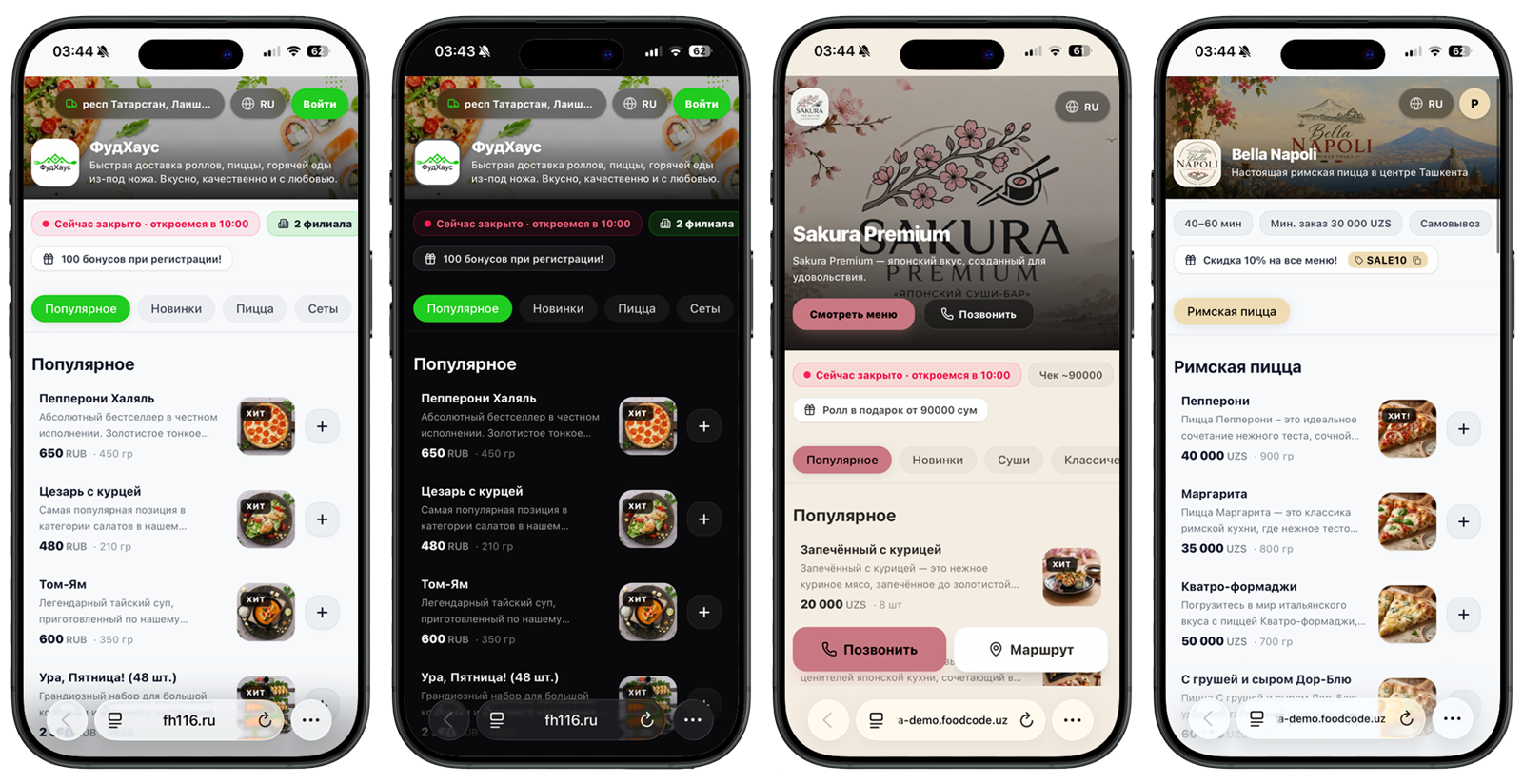
Algorithm extracts primary colors from your logo and immediately applies them to theme accents.
Customize any shade to match your brand guidelines with instant live preview.
Polished typography and flawless mobile experience across iOS, Android, and desktop.
02AI for menu
Automatically generate appetizing descriptions and translate your menu into multiple languages.
Start a translation of your menu and other sections into the restaurant’s selected languages. Review the results before publishing.
Enter a dish name and ingredients — AI suggests a description. Check the ingredients and wording, then save the result.
The restaurant reviews descriptions, ingredients, nutrition and allergens before publishing.
Interactive example · prepared results
The restaurant reviews descriptions, ingredients, nutrition and allergens before publishing.
Translate into your restaurant’s languages
 RussianEnglish
03AI Photo Studio
Improve kitchen photos or create images from a description. A consistent background and presentation bring your menu together.
Phone photoAI Studio04Restaurant management
Promotions, cashback loyalty, table booking, and multi-branch management in one control panel.
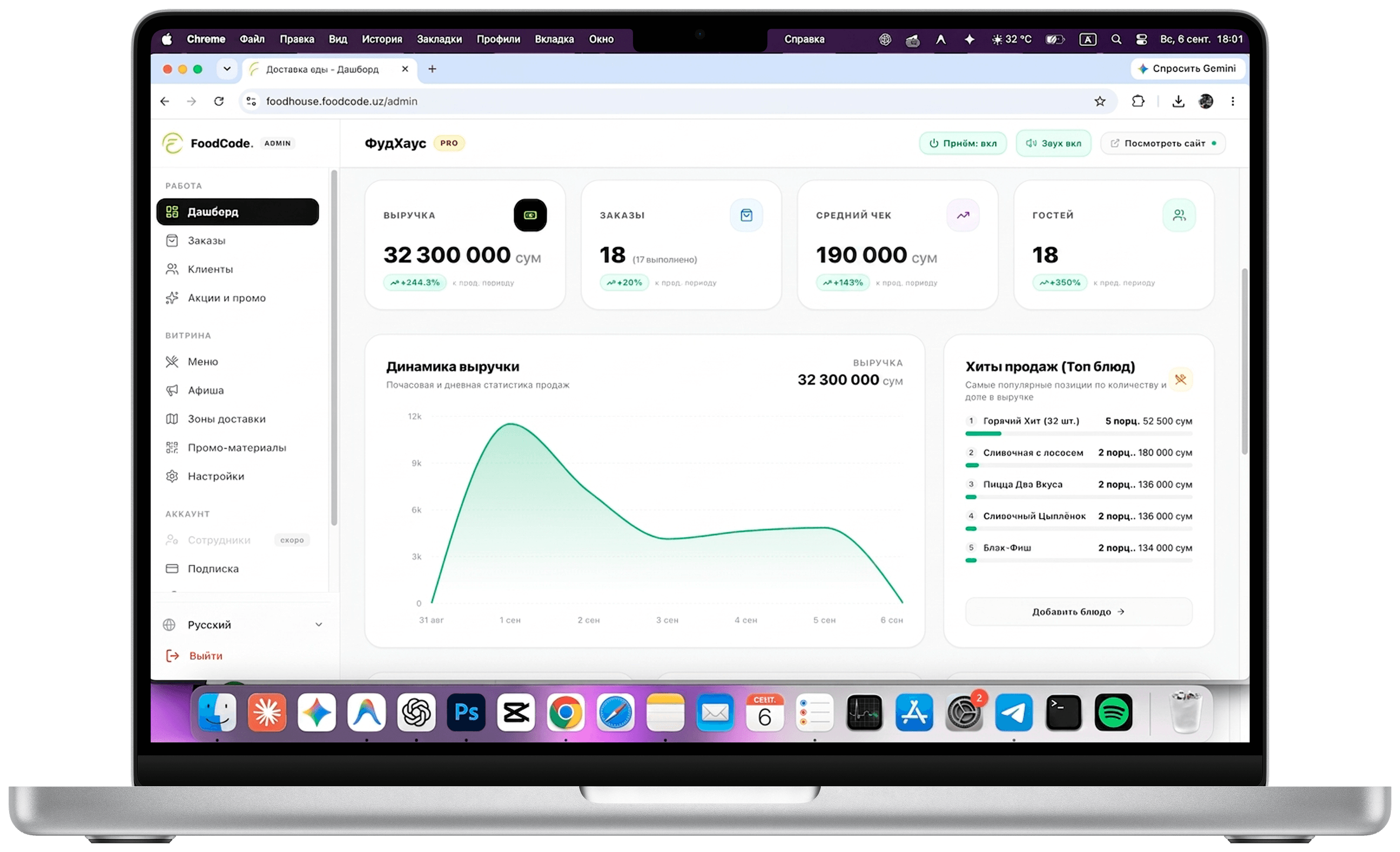
Use your own couriers or connect a service available in your region. Automatic dispatch needs separate setup and compatible payment.
Full order history, 1-click reordering, saved delivery addresses, and accumulated loyalty points balance.
With a payment provider connected, funds go to the restaurant’s account. FoodCode takes no order commission; the provider sets its fees and payout timing.
Set bonus earning and redemption rules, promotion conditions and percentage or fixed discounts. Earning depends on the restaurant’s rules and the order contents.
Easily manage visual hero banners, seasonal menu deals, and happy hour specials right from your admin panel.
Publish upcoming culinary tastings, live music nights, and allow guests to reserve tables online in advance.
05Print & Offline Marketing
Ready-made PDFs with your logo, brand colours and restaurant QR code. Choose a format and download it in your dashboard.
Card with digital menu QR code for dining tables. Guests scan immediately with their phone without waiting for paper menus.
High-contrast storefront sticker for glass doors or windows. Readable from the street even when the restaurant is closed.
Branded seal tape for kraft paper bags or pizza boxes. Guarantees tamper protection and drives repeat direct orders.
Eye-catching printed flyer enclosed with every delivery order: introduces loyalty bonuses and invites direct ordering.
06Client Showcases
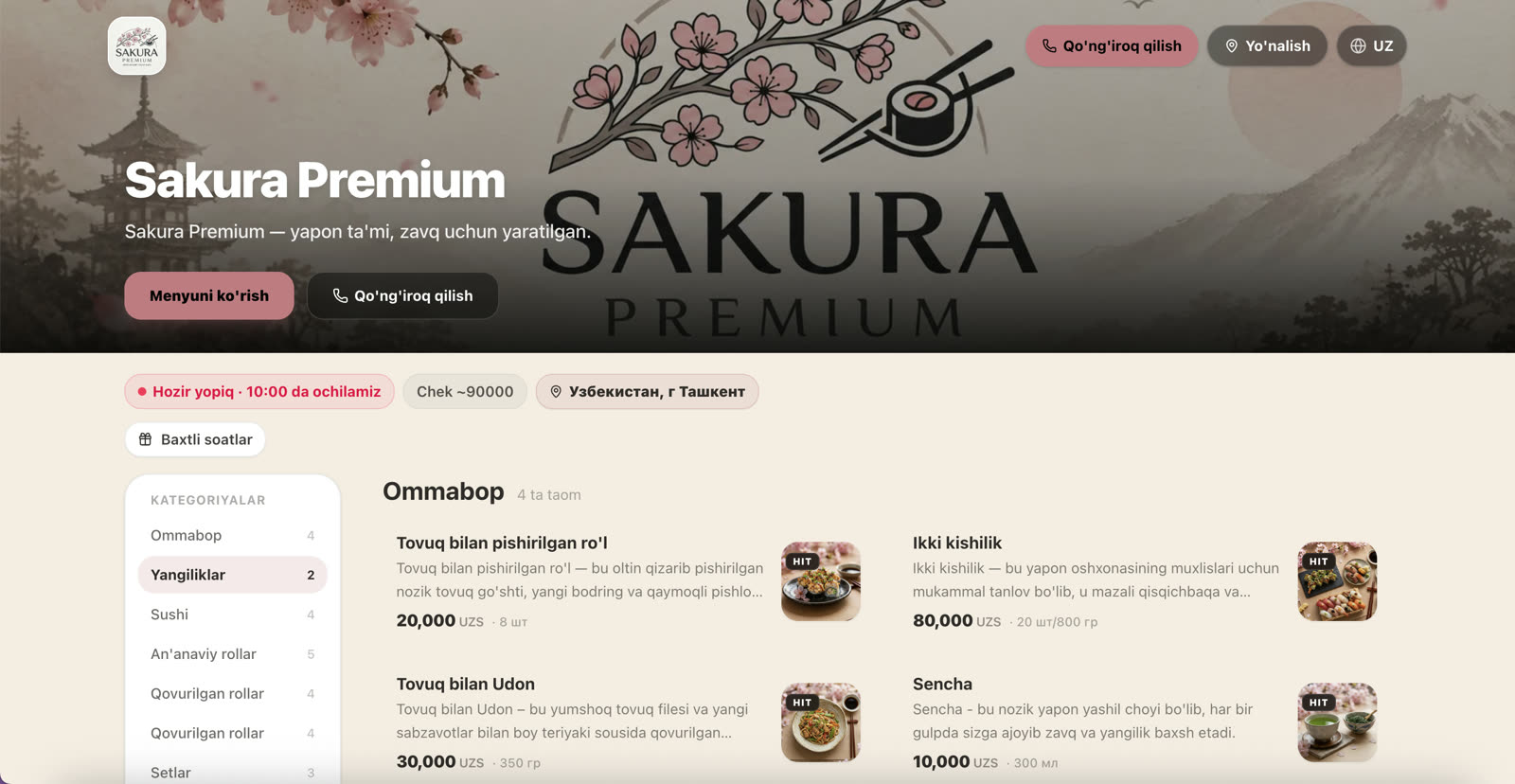
Explore live restaurant websites. Orders and bookings on these sites are real.
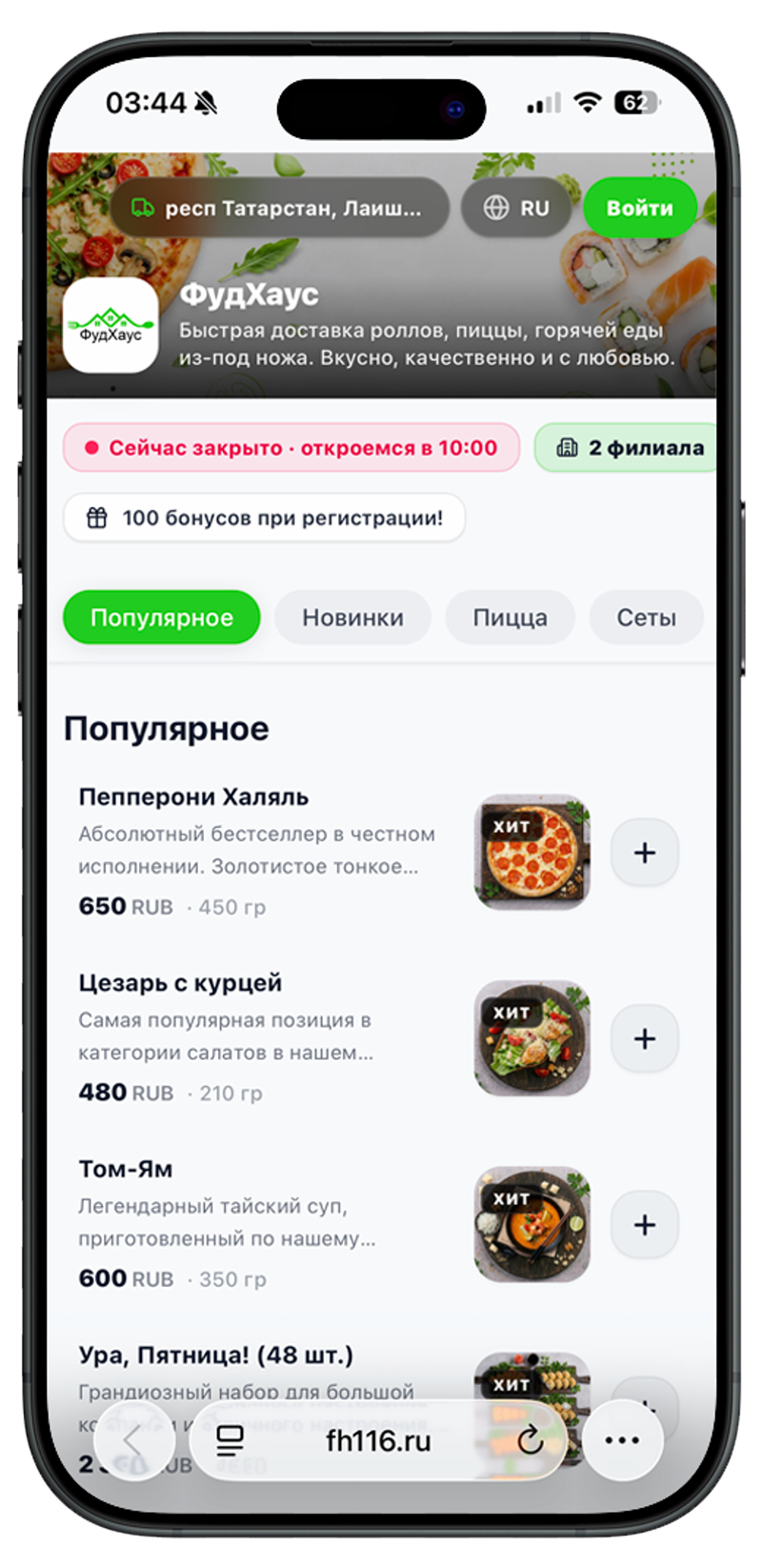
Rolls, pizza & hot meals delivery · Tatarstan
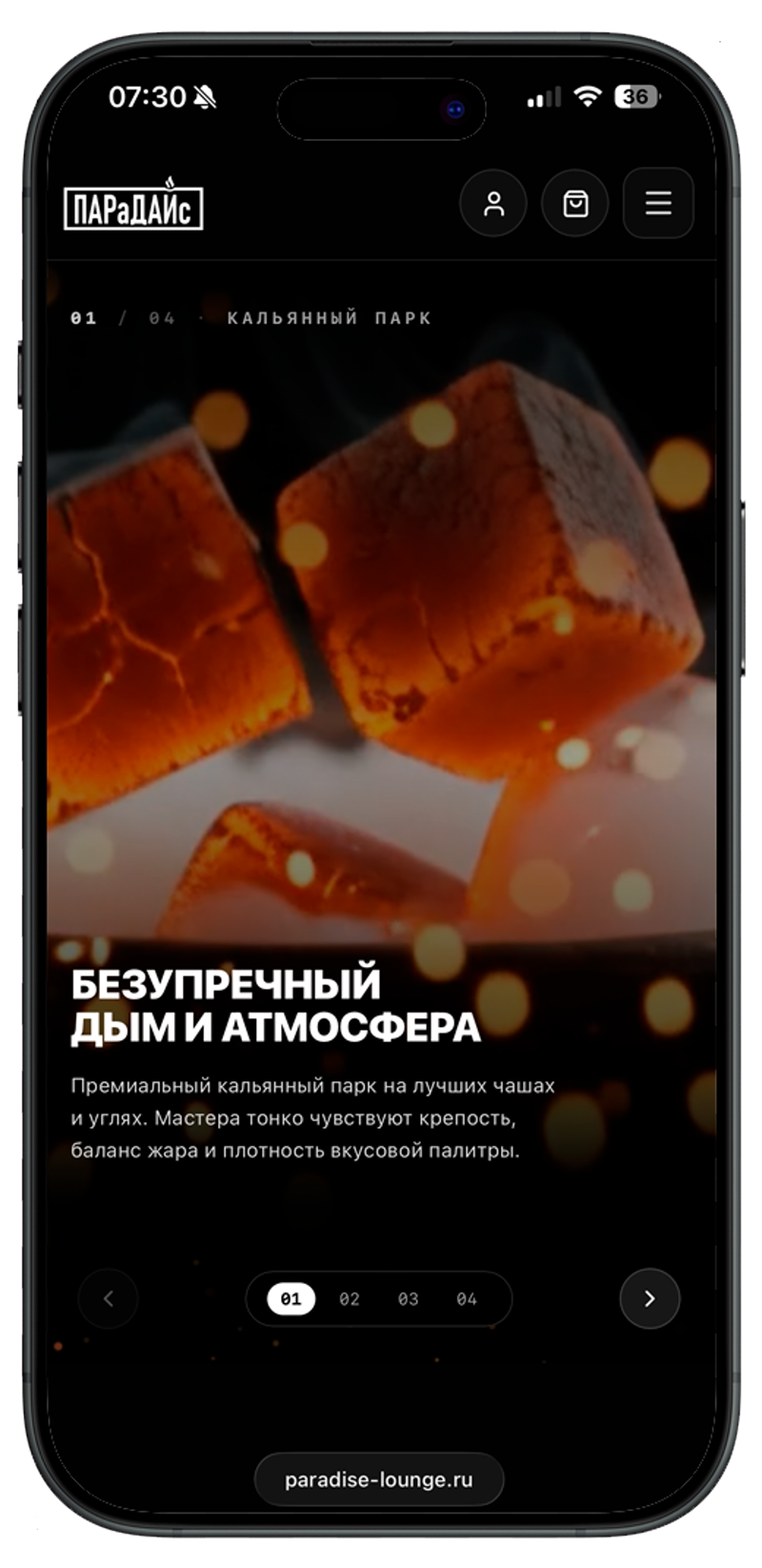
Lounge bar with table booking & PS5 · custom studio-level design
Open the menu as a guest. Live websites take real orders and bookings; use the separate demo to try the dashboard.
Have more questions? Message us on Telegram — our team is here to help.
Chat on TelegramYes. Uploading and recognizing your menu is completely free with no registration required. The FREE plan stays free forever: a storefront on a subdomain, a QR menu in three languages, contacts and opening hours, and your own photos. A “Built with FoodCode” line stays in the footer.
The subscription includes: brand colours and themes, delivery and pickup orders, online payments, courier dispatch, table reservations, promos and loyalty, AI menu import, descriptions and translations, the AI photo studio (20 generations per month), a custom domain, and a storefront on your own domain. The first location is included; each extra one costs 1,990 per month.
The subscription is paid for 1, 3, 6 or 12 months — the longer the period, the lower the monthly price. One month is 3,990, three months 11,400, six months 21,500, twelve months 39,900 (about 3,325 per month, −17%).
The FREE storefront, menu, photos, contacts and opening hours stay indefinitely. See the offer and privacy policy for paid-feature data retention terms.
The subscription includes 20 AI photo studio generations per month. If you need to shoot a large menu at once, buy a one-time credit pack — credits never expire.
FoodCode gives your website, QR menu and Telegram Mini App a shared menu. Set up a bot for the Mini App; orders and guest profiles require a subscription.
No. Upload photos or PDF and review the recognised dishes and prices. Set website appearance and delivery conditions in your dashboard.
The menu and guest data belong to your restaurant. Exporting orders and customers requires a subscription; the offer explains storage terms.
Online payments connect to the restaurant’s account. FoodCode takes no commission on orders; the payment provider determines its fees and payout timing. Payment on receipt is also available.
About 15 minutes is a guide for the first storefront draft with a prepared menu. Check dishes and prices. Delivery, payments, a domain and Telegram need separate setup; launch can take an evening or longer depending on external connections.
Yes. FREE includes QR viewing and collecting an order to show a waiter. Sending a dine-in order requires a subscription, enabled orders, a connection and a table number; payment is on site. Table reservations require a subscription and the setting to be enabled.
The restaurant enables the languages it needs from RU, UZ and EN. Guests switch between enabled languages and their choice is remembered. A staff member starts AI translation and reviews its results.
FoodCode
Upload photos or PDF and review a draft of your dishes before signing up.